Introduction
Installing IPTV Smarters Pro on Firestick allows you to stream live TV, movies, and series on your television using your own IPTV service. Firestick is one of the most popular devices for IPTV Smarters Pro because it is fast, affordable, and easy to use. This 2026 updated guide explains how to install IPTV Smarters Pro on Firestick step by step using the safest and most reliable method.
⚠️ Important: IPTV Smarters Pro is a media player only. It does not provide channels, playlists, or subscriptions.
What You Need Before Installing
- Before you begin, make sure you have the following:
* Amazon Firestick or Fire TV device
* Stable internet connection
* Amazon account logged in
* IPTV Smarters Pro APK download link
Step 1: Enable Apps from Unknown Sources on Firestick
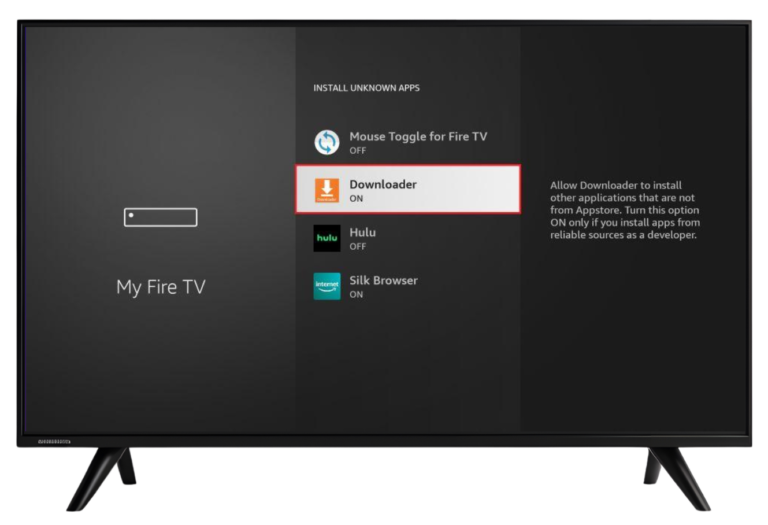
To install IPTV Smarters Pro, Firestick must allow apps from unknown sources. This is required for apps installed outside the Amazon App Store.
How to Enable Unknown Sources
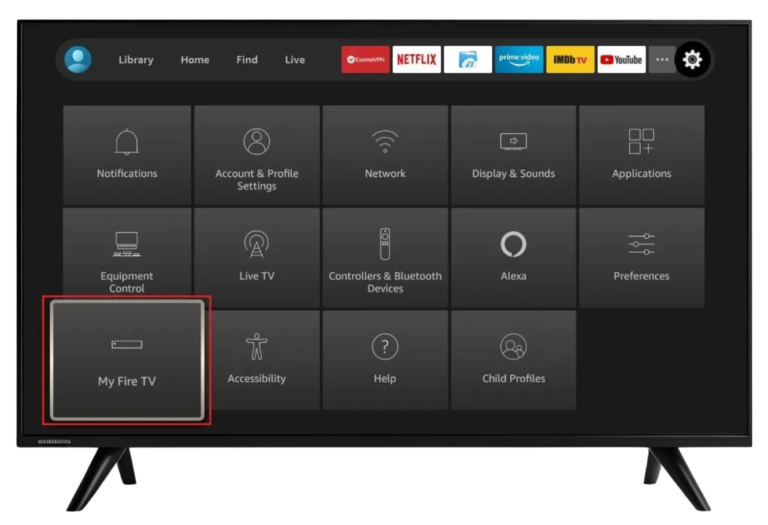
1 – Go to Settings on your Firestick
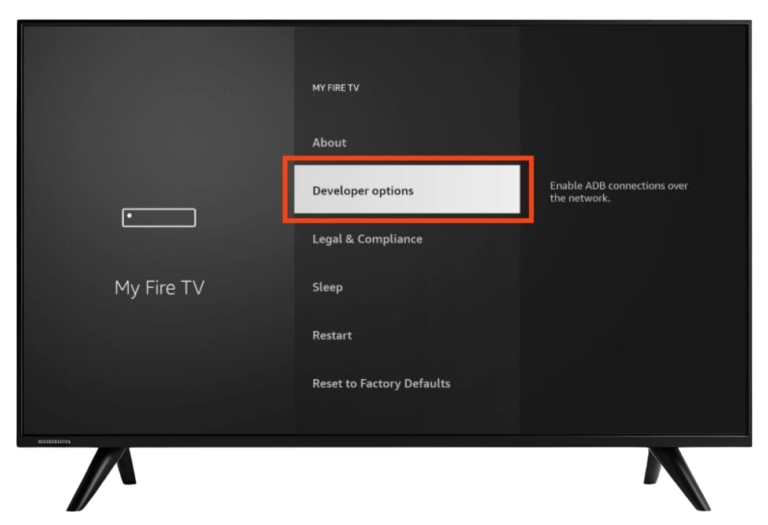
3 – Open Developer Options
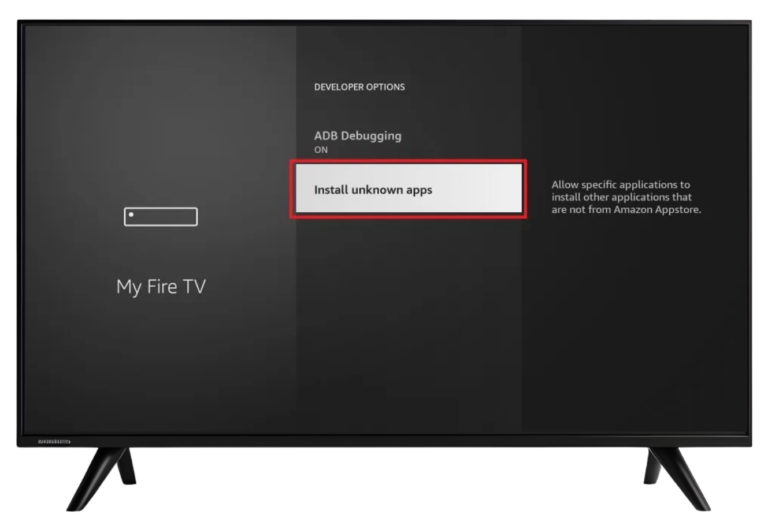
4 – Click Install Unknown Apps
5 – Enable it for Downloader
Once this option is enabled, your Firestick is ready for installation.
Step 2: Install Downloader App on Firestick
The Downloader app is required to download and install the IPTV Smarters Pro APK file.
Steps to Install Downloader
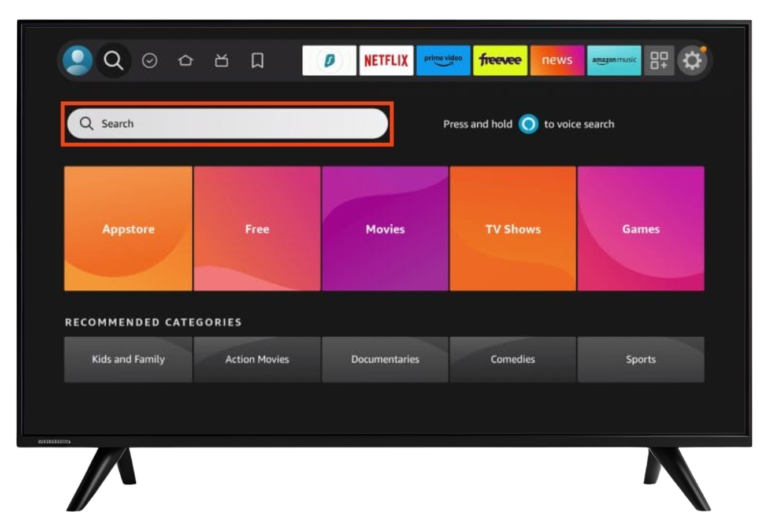
1 – Open the Amazon App Store
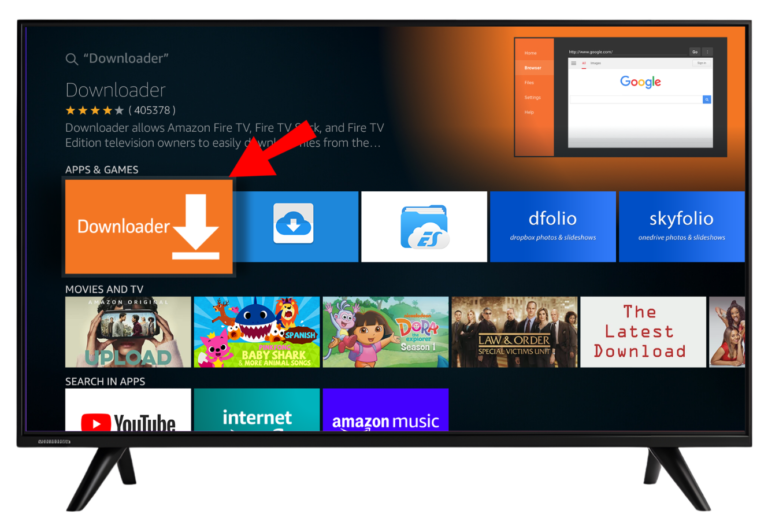
2 – Search for Downloader
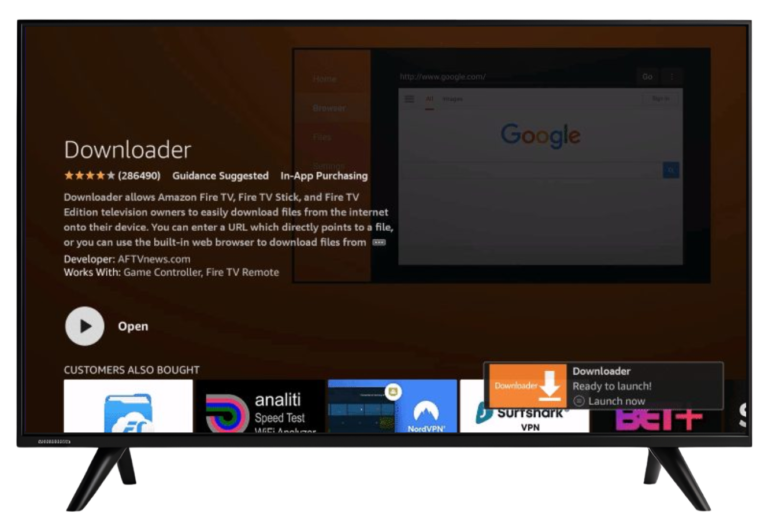
4 – Open Downloader after installation
Step 3: Download IPTV Smarters Pro APK
Steps to Download the APK
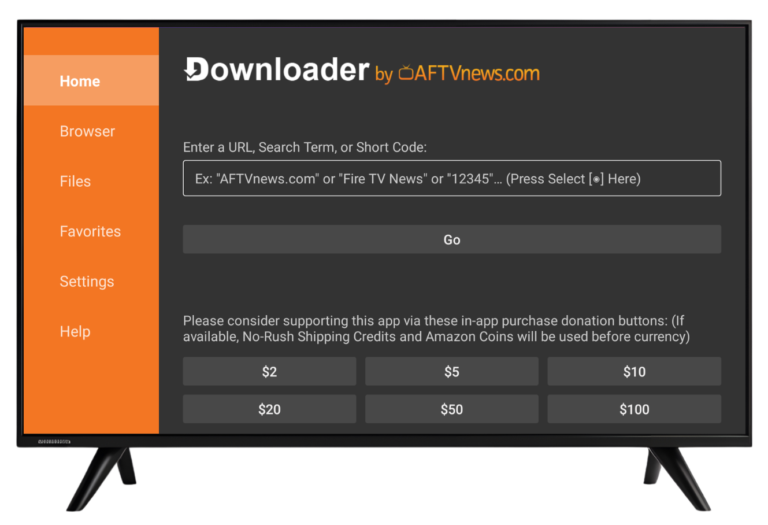
1 – Open the Downloader app
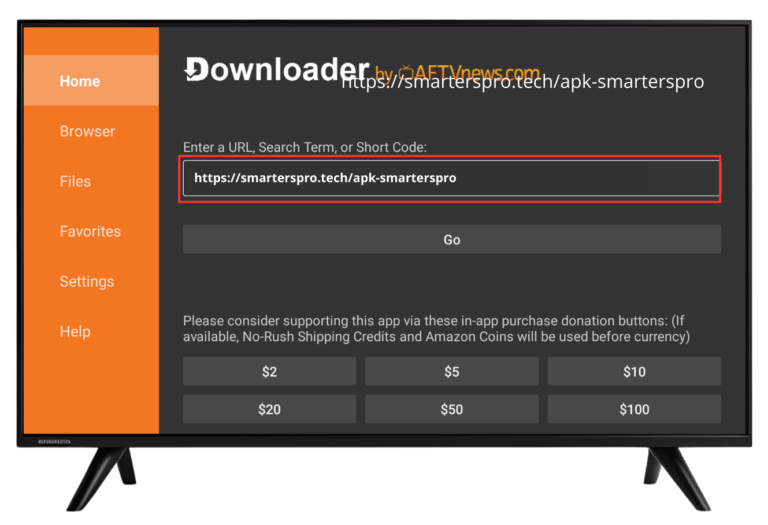
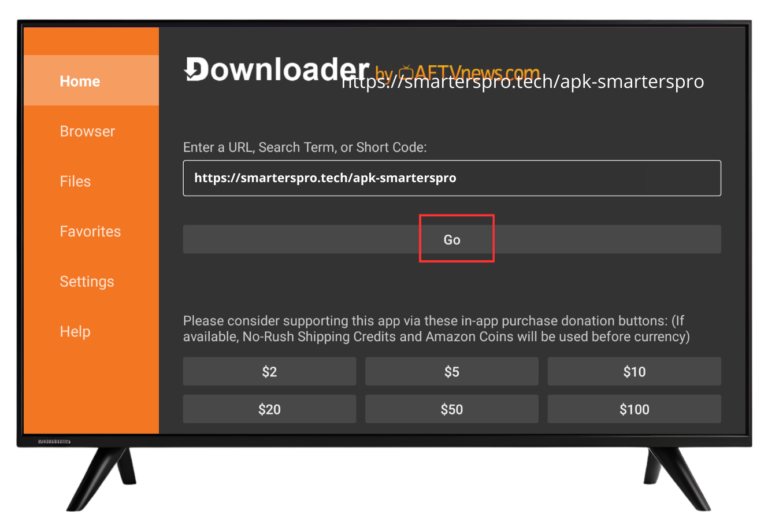
2 – Enter the IPTV Smarters Pro APK URL or enter the code ‘6663411’.
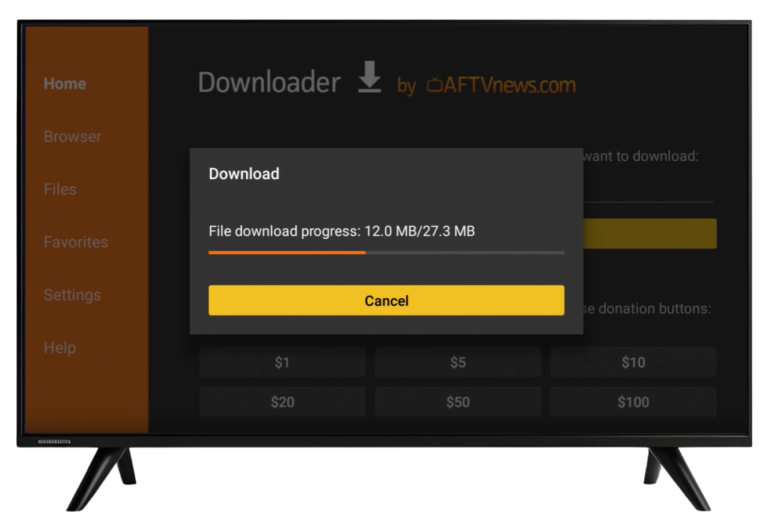
2 – Wait for the download to complete
📌 Make sure the URL is entered correctly to avoid download errors.
Step 4: Install IPTV Smarters Pro on Firestick
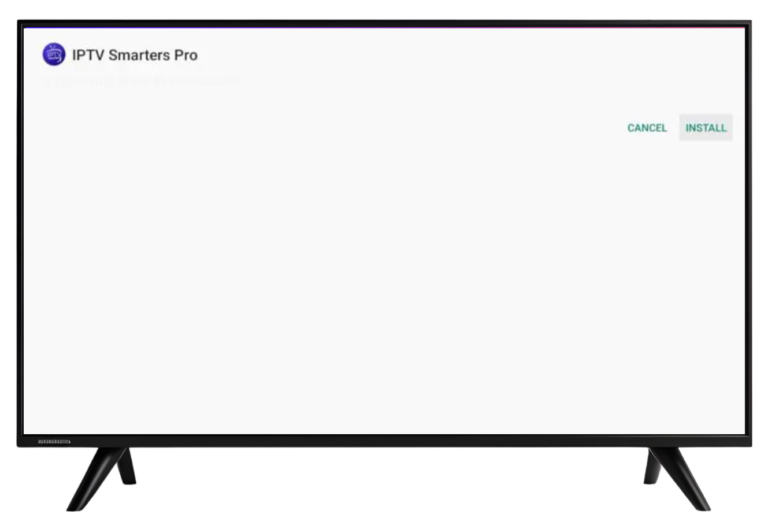
Once the APK finishes downloading, the installation screen will appear automatically.
Steps to Install
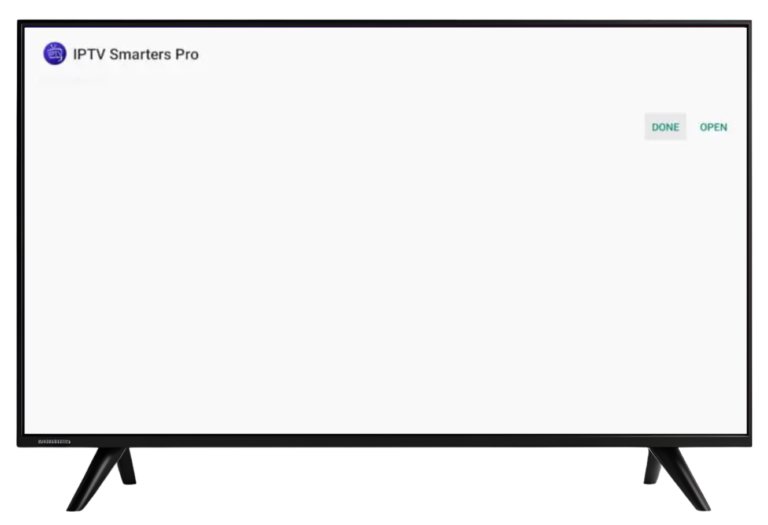
2 – Wait for installation to finish
3 – Click Done
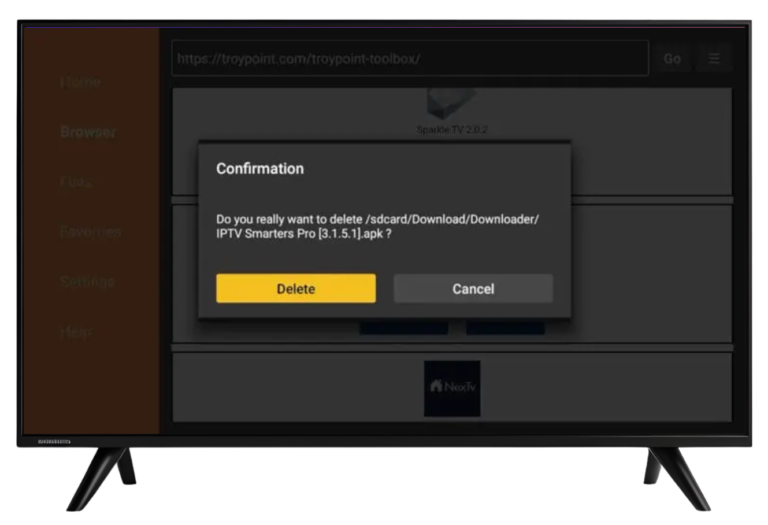
3 – Delete the APK file to free up storage
Step 5: Launch IPTV Smarters Pro
Steps to Install
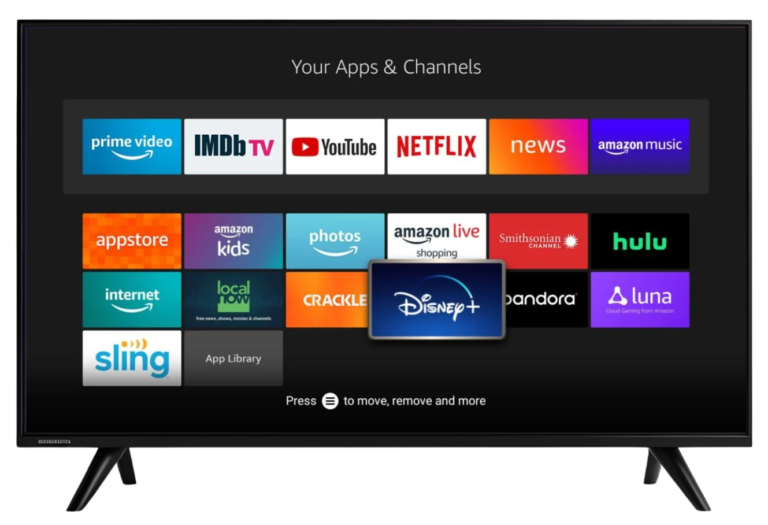
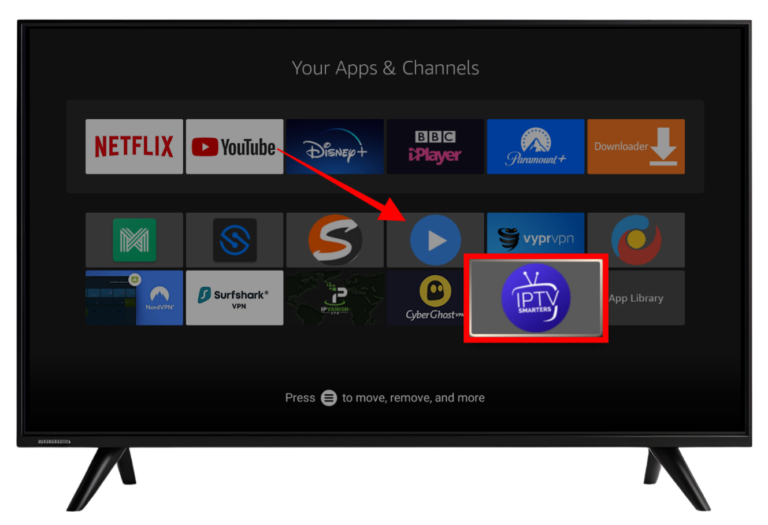
3 – Go to Your Apps & Channels
3 – Find and open IPTV Smarters Pro
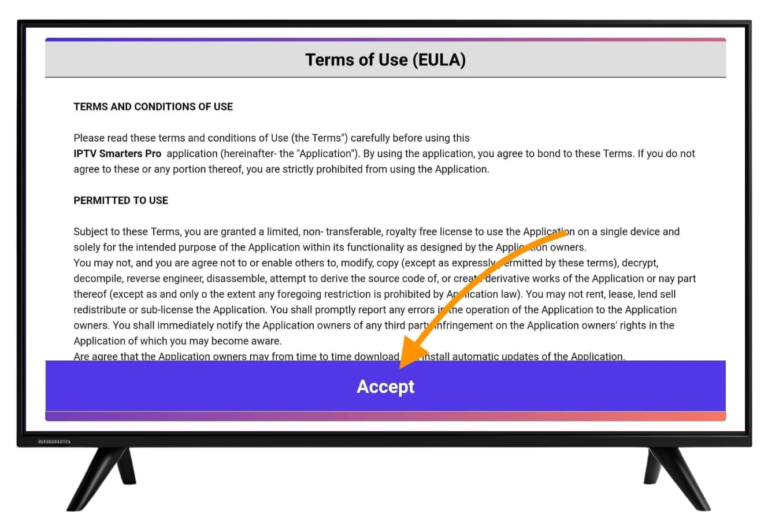
3 – Accept the terms and conditions
Step 6: Log In to IPTV Smarters Pro
You can log in using one of the following methods:
Common Firestick Installation Issues and Fixes
App Not Installing
- Make sure Install Unknown Apps is enabled
- Restart your Firestick and try again
App Not Opening
- Clear Firestick cache
- Reinstall the latest APK version
Buffering Issues
Common Firestick Installation Issues and Fixes
Is IPTV Smarters Pro Free on Firestick?
Yes. IPTV Smarters Pro offers a free version with basic features. A premium version is optional and removes ads.
Is IPTV Smarters Pro Safe on Firestick?
Yes. IPTV Smarters Pro itself is safe to install and use. Always ensure your IPTV service complies with local laws and regulations.
Final Thoughts
With the correct setup, installing IPTV Smarters Pro on Firestick in 2026 is quick and straightforward. Firestick provides a smooth and reliable IPTV viewing experience when the app is configured properly.