
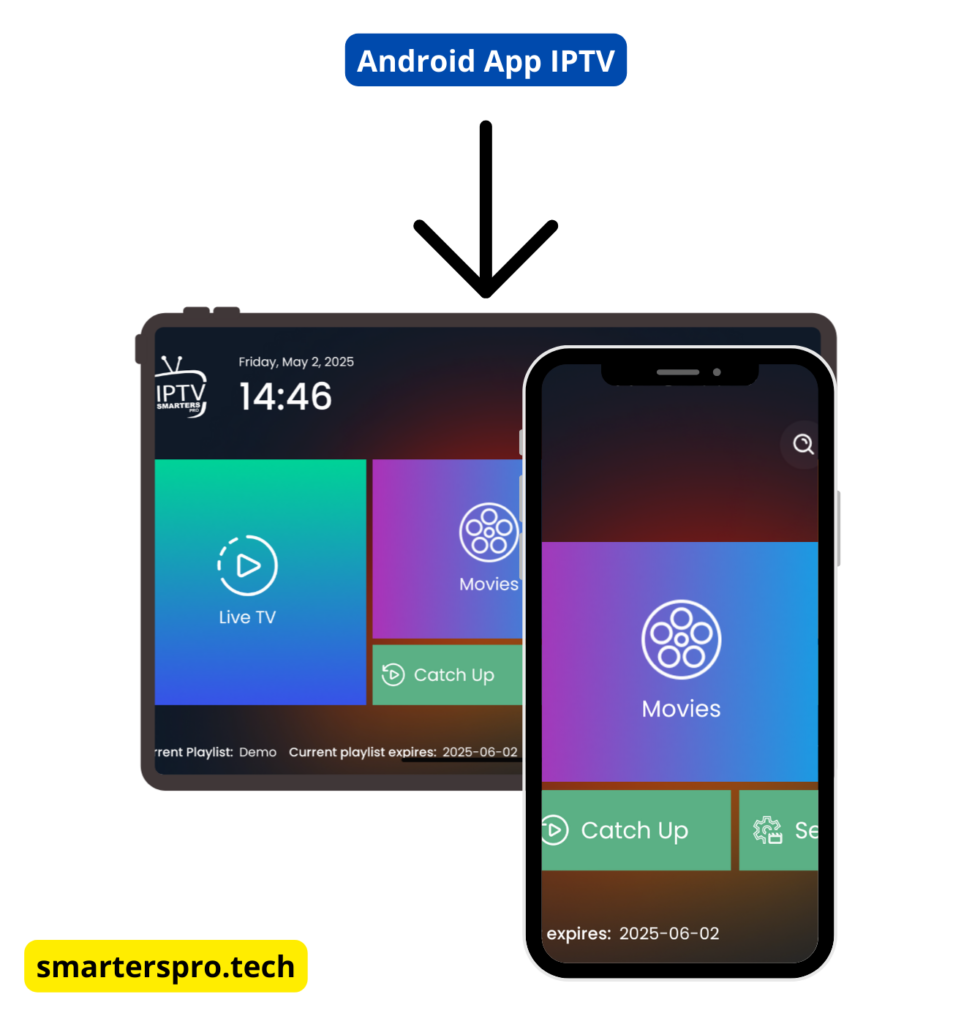
Method 1: Download IPTV Smarters Pro from Google Play Store
Steps:
Open Google Play Store on your Android device
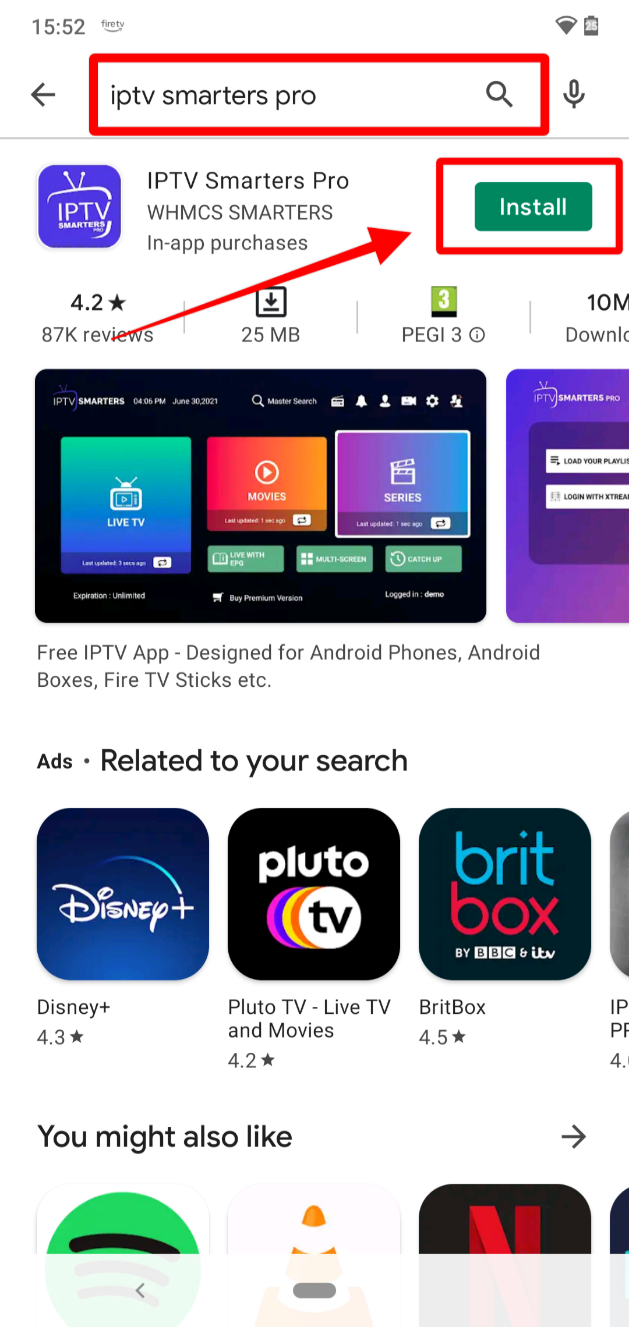
Search for IPTV Smarters Pro
Select the app and tap Install
Wait for the installation to complete
Open the app and proceed with setup
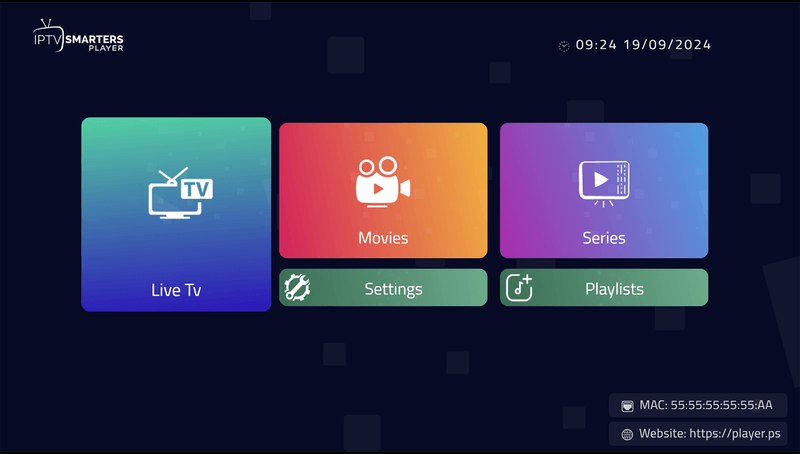
If the app is not available in your region, use the APK method below.
Method 2: Download IPTV Smarters Pro APK (Manual Install)
What You Need:
Android device
Internet connection
APK file from a trusted source
Steps:
Go to Settings → Security
Enable Install Unknown Apps (or Unknown Sources)
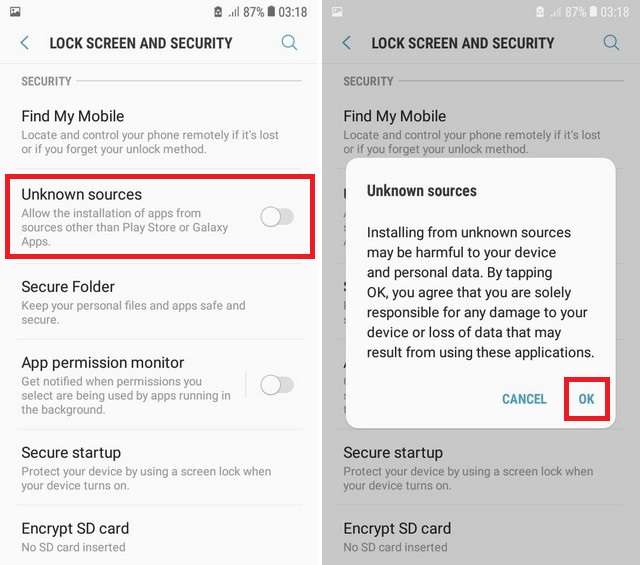
Download the IPTV Smarters Pro APK file
Open the downloaded APK
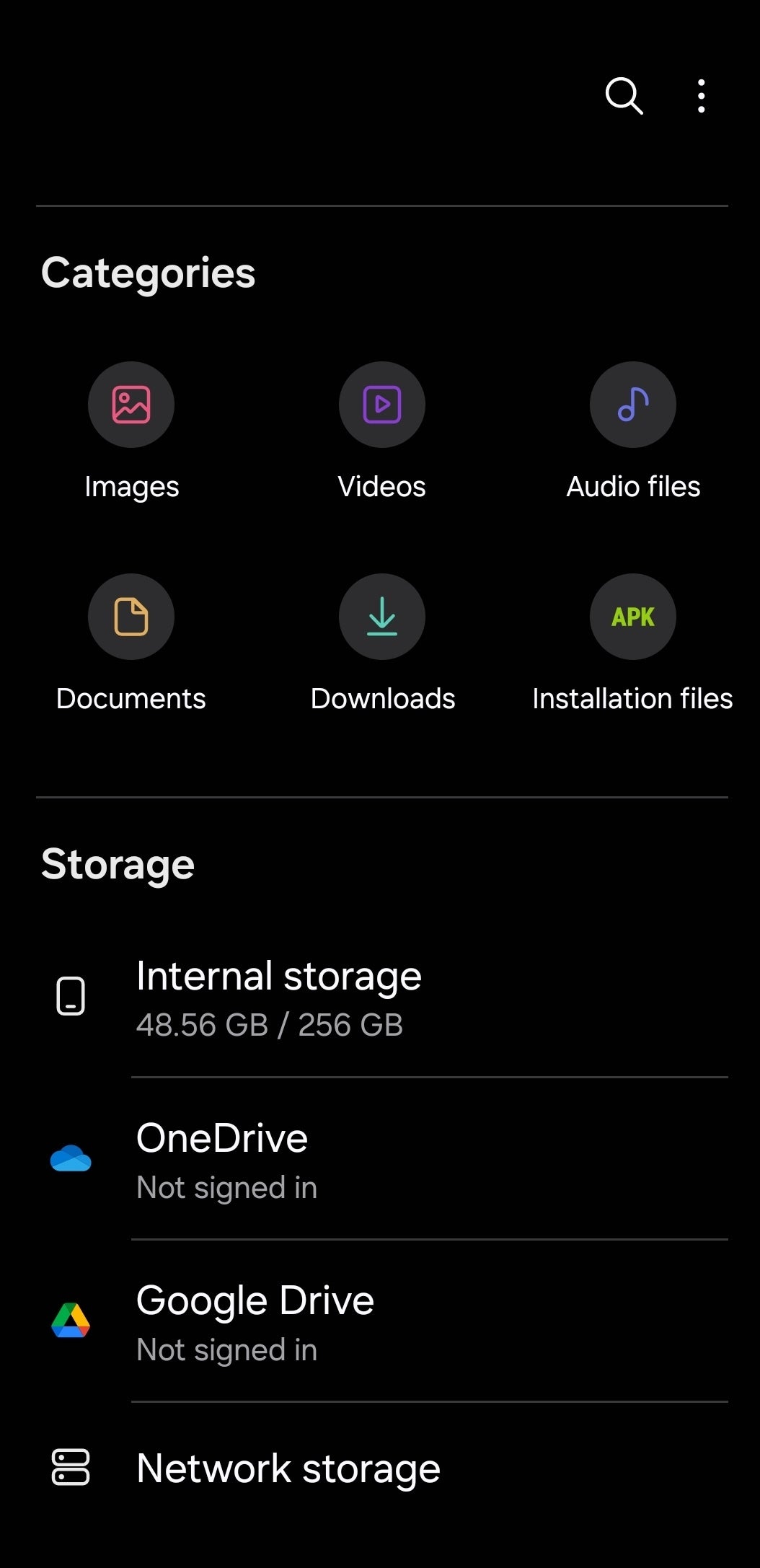
Tap Install and wait for completion
 Always download APK files from reliable sources to avoid security risks.
How to Set Up IPTV Smarters Pro After Installation
After installing the app, you can log in using:
Xtream Codes API (recommended)
Once logged in, the app will automatically load Live TV, Movies, Series, and EPG if supported by your IPTV service.
Common Problems & Fixes
App Not Installing
Check Android version compatibility
Make sure Unknown Sources is enabled
App Not Available on Play Store
Use APK installation
Check regional availability
App Crashing
Restart device
Update to the latest app version
Is IPTV Smarters Pro Free on Android?
Yes. IPTV Smarters Pro offers a free version with basic features. A premium version is available that unlocks extra features such as ad-free viewing.
FAQ – IPTV Smarters Pro for Android
Is IPTV Smarters Pro available on Google Play Store?
Yes, IPTV Smarters Pro is available on the Google Play Store in many regions. However, availability may vary depending on your country. If it is not available, you can install it using the APK method.
Is it safe to install IPTV Smarters Pro APK on Android?
Yes, it is safe if you download the APK file from a trusted and reliable source. Always avoid unknown or unofficial websites to reduce security risks.
Does IPTV Smarters Pro include TV channels or movies?
No. IPTV Smarters Pro does not provide any channels, movies, or series. It is only a media player and requires login details from your own IPTV service provider.
What Android version is required for IPTV Smarters Pro?
IPTV Smarters Pro works on Android 5.0 and above. For best performance, using a newer Android version is recommended.
Why can’t I find IPTV Smarters Pro on Play Store?
The app may not be available in your region or may be temporarily removed. In this case, you can use the APK installation method instead.
Can I install IPTV Smarters Pro on Android TV or TV Box?
Yes. IPTV Smarters Pro supports Android TV devices, Android TV boxes, and NVIDIA Shield.
Is IPTV Smarters Pro free on Android?
Yes. The app offers a free version with basic features. There is also an optional premium version that provides extra features such as ad-free viewing.
How do I log in after installing IPTV Smarters Pro?
You can log in using Xtream Codes API or an M3U playlist URL provided by your IPTV service provider.
Why is IPTV Smarters Pro not installing on my Android device?
This can happen due to an incompatible Android version, disabled Unknown Sources, or a corrupted APK file. Check your device settings and try again.
Can I use IPTV Smarters Pro on multiple Android devices?
Yes, you can install the app on multiple devices. However, the number of simultaneous connections depends on your IPTV provider.Final Thoughts
Downloading IPTV Smarters Pro for Android is simple and takes only a few minutes. Whether you choose the Play Store or APK method, make sure you use correct login details from your IPTV provider for the best experience.
Final Thoughts
Downloading IPTV Smarters Pro for Android is simple and takes only a few minutes. Whether you choose the Play Store or APK method, make sure you use correct login details from your IPTV provider for the best experience.