How to Install IPTV Smarters Pro on Samsung & LG Smart TV
IPTV Smarters Pro is one of the most popular IPTV players, allowing users to stream live TV, movies, and series using their own IPTV subscription.
In this guide, you’ll learn how to install IPTV Smarters Pro on Samsung and LG Smart TVs step by step.
⚠️ Note: IPTV Smarters Pro does not provide any channels or content.
You must already have an IPTV subscription (Xtream Codes API or M3U URL) from a service provider.
Frequently Asked Questions – IPTV Smarters Pro
Is IPTV Smarters Pro free to use?
Yes, IPTV Smarters Pro is free to download and install. However, you must have a
paid IPTV subscription from a third-party provider to watch content.
Does IPTV Smarters Pro provide TV channels?
No. IPTV Smarters Pro is only a media player. It does not include live TV channels,
movies, or series. All content comes from your IPTV service provider.
Why can’t I find IPTV Smarters Pro in my TV app store?
This can happen if:
- Your TV model is too old
- Your region does not support the app
- The app is temporarily unavailable
Updating your TV software or changing the app store region may help.
Can I use M3U instead of Xtream Codes?
Yes. IPTV Smarters Pro supports:
Xtream Codes API usually offers better performance and EPG support.
Is IPTV Smarters Pro legal?
The app itself is 100% legal. However, legality depends on
your IPTV provider and the content you stream. Always use IPTV services that comply
with the laws in your country.
How do I fix buffering issues?
Try the following solutions:
- Use an Ethernet cable instead of Wi-Fi
- Restart your router
- Lower the video resolution
- Contact your IPTV provider
Can I install IPTV Smarters Pro on multiple TVs?
Yes, but it depends on your IPTV subscription rules. Some providers limit the number
of simultaneous connections.
Does IPTV Smarters Pro support EPG?
Yes. IPTV Smarters Pro supports
EPG (Electronic Program Guide)
if your IPTV provider supplies EPG data.
Can I add subtitles?
Yes. IPTV Smarters Pro supports external and embedded subtitles, depending on the stream.
Final Words
Installing IPTV Smarters Pro on Samsung and LG Smart TVs is quick and easy when using the official app stores. Once installed, simply log in with your IPTV credentials and enjoy live TV, movies, and series in one place.

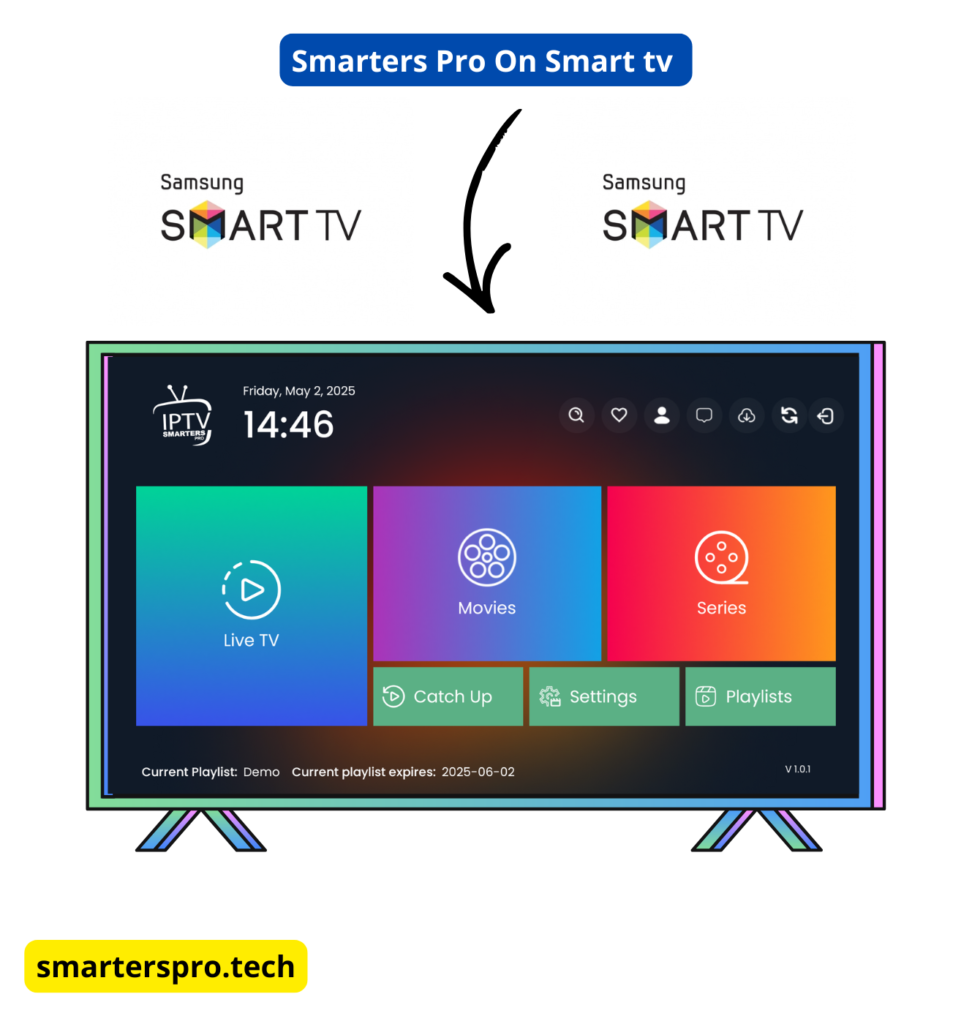
 This method works on most Samsung Smart TVs released from 2019 onward (Tizen OS).