How to Set Up IPTV Smarters Pro Using Xtream Codes API
Setting up
IPTV Smarters Pro using Xtream Codes API is one of the easiest and most reliable ways to access IPTV content on the app. This method allows the application to automatically organize live TV, movies, and series provided by your IPTV service.
In this guide, you’ll learn
exactly how to set up IPTV Smarters Pro with Xtream Codes API, what information you need, and how to fix common setup problems.
⚠️ Important: IPTV Smarters Pro is only a media player. It does not provide channels or subscriptions. You must use login details from your own IPTV service provider.
Before setting up IPTV Smarters Pro, make sure you have the following information from your IPTV provider:
- Username
- Password
-
Server URL
(example:
http://providerurl.com:8080)
If any of this information is incorrect, the setup will fail and IPTV Smarters Pro will not load content.
How to Set Up IPTV Smarters Pro Using Xtream Codes API
Step 1: Open IPTV Smarters Pro
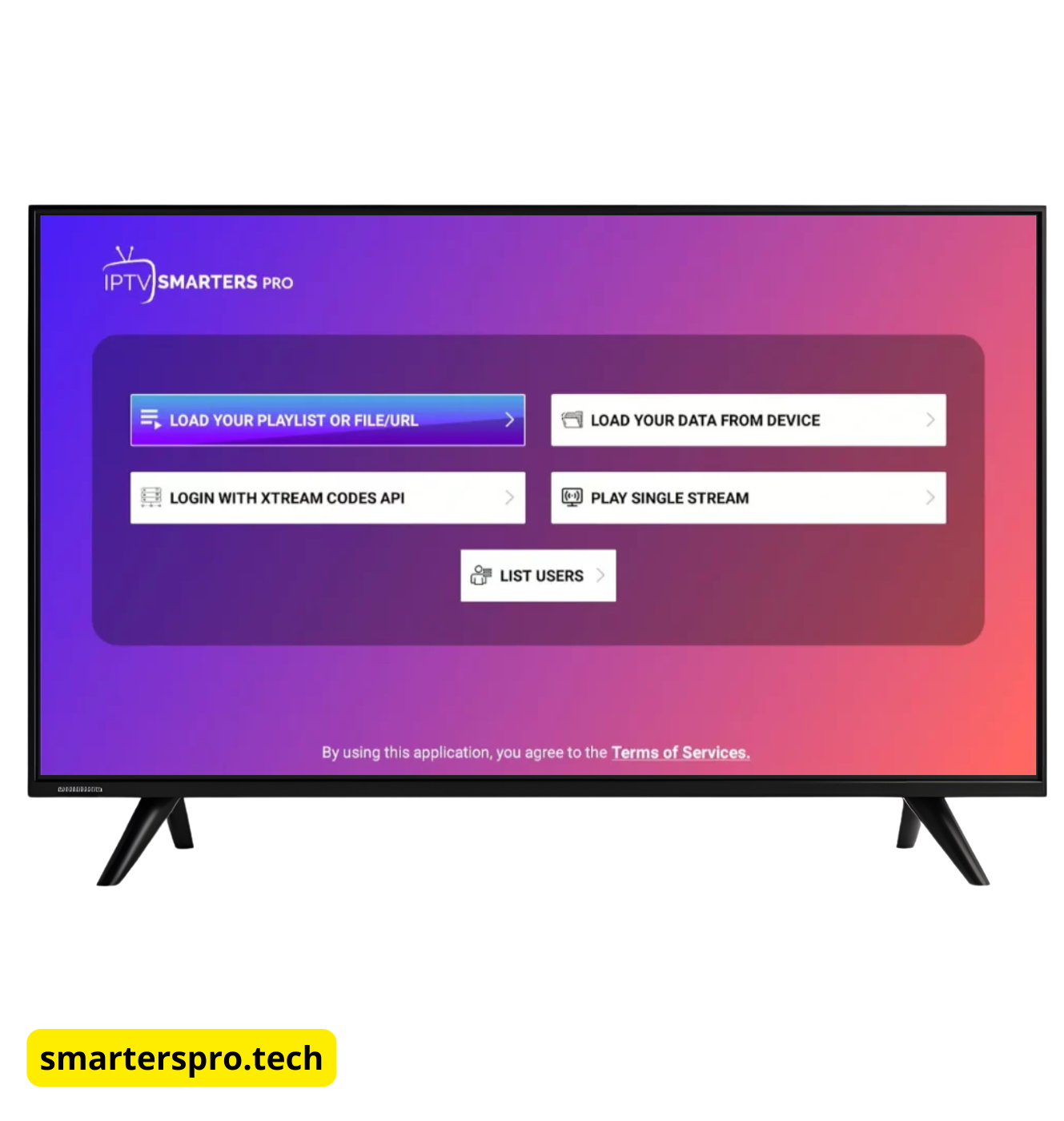
Launch the IPTV Smarters Pro app on your device (Android, Firestick, Smart TV, Windows, or macOS).
Step 2: Accept Terms & Conditions
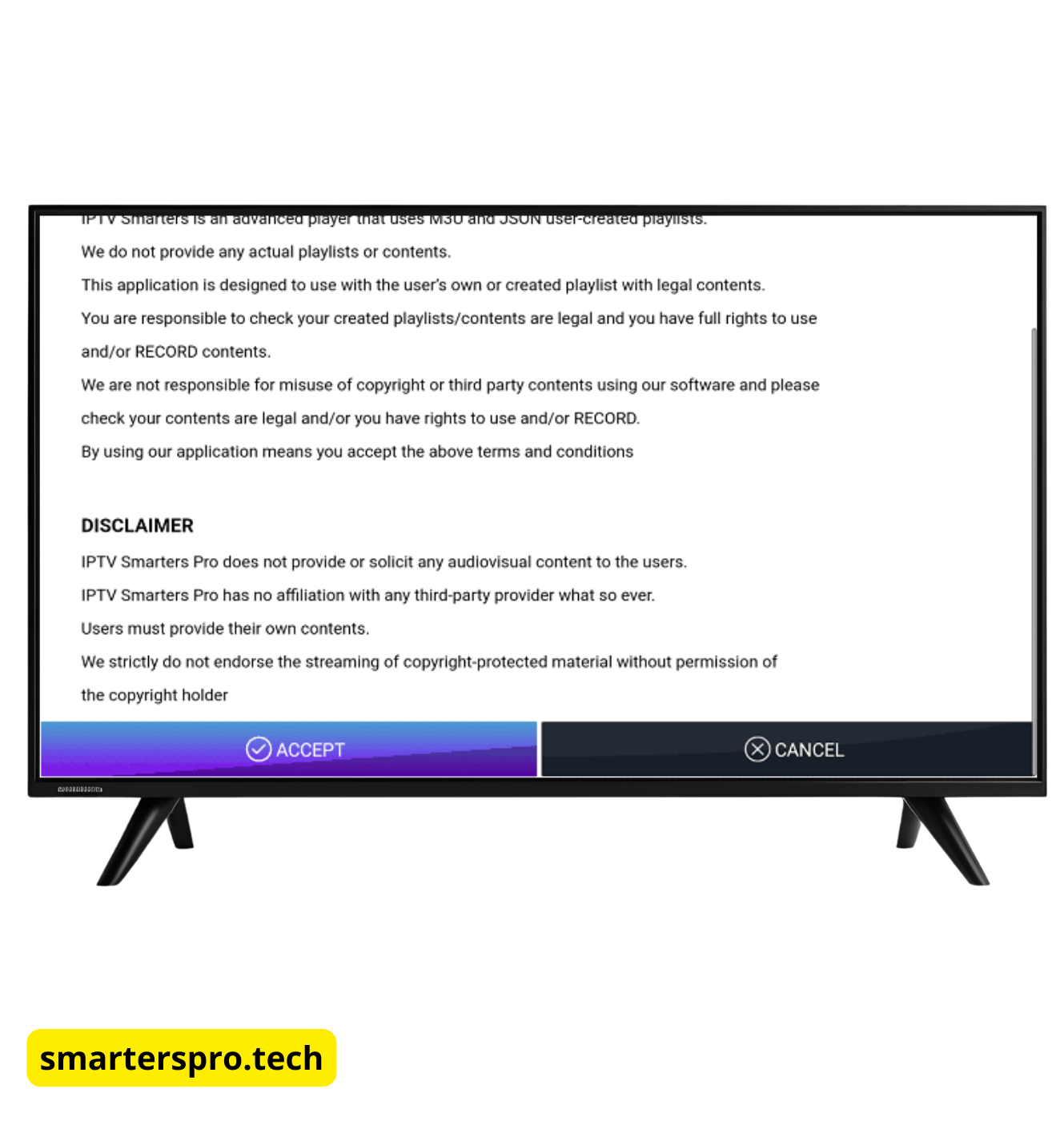
When opening the app for the first time, accept the terms and conditions to continue.
Step 3: Choose Login Method
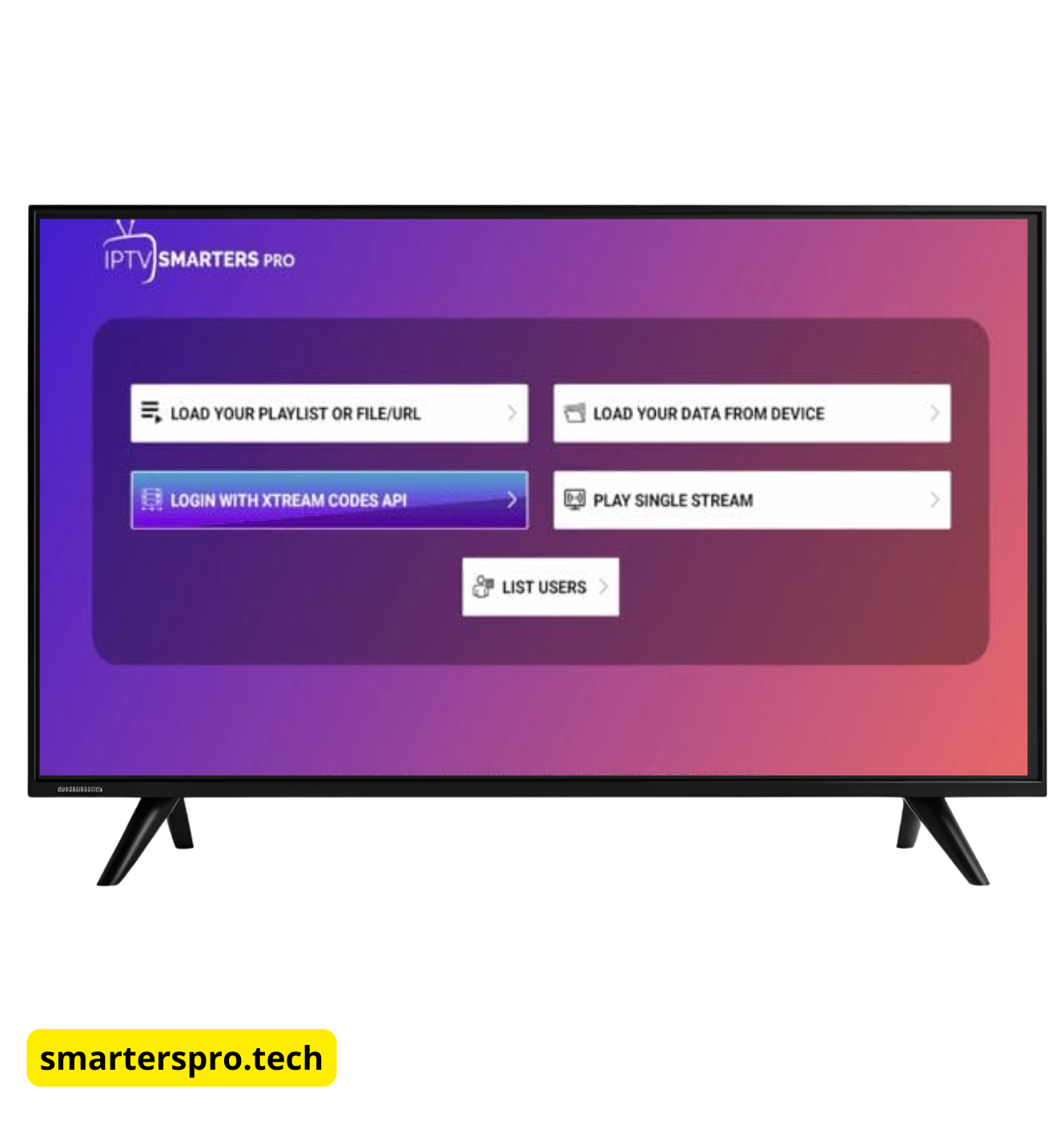
On the login screen, select:
Login with Xtream Codes API
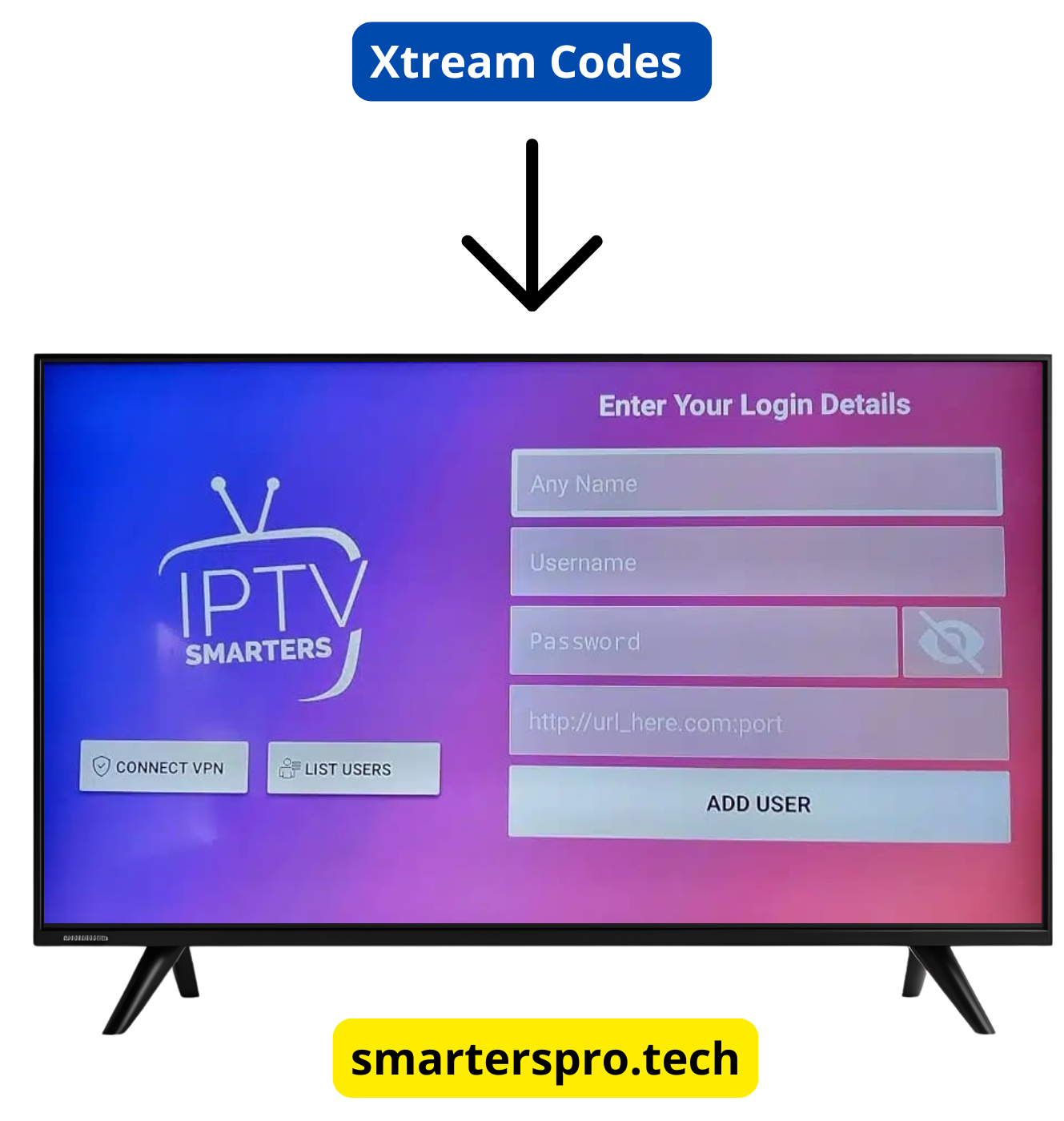
Step 4: Enter Xtream Codes API Details
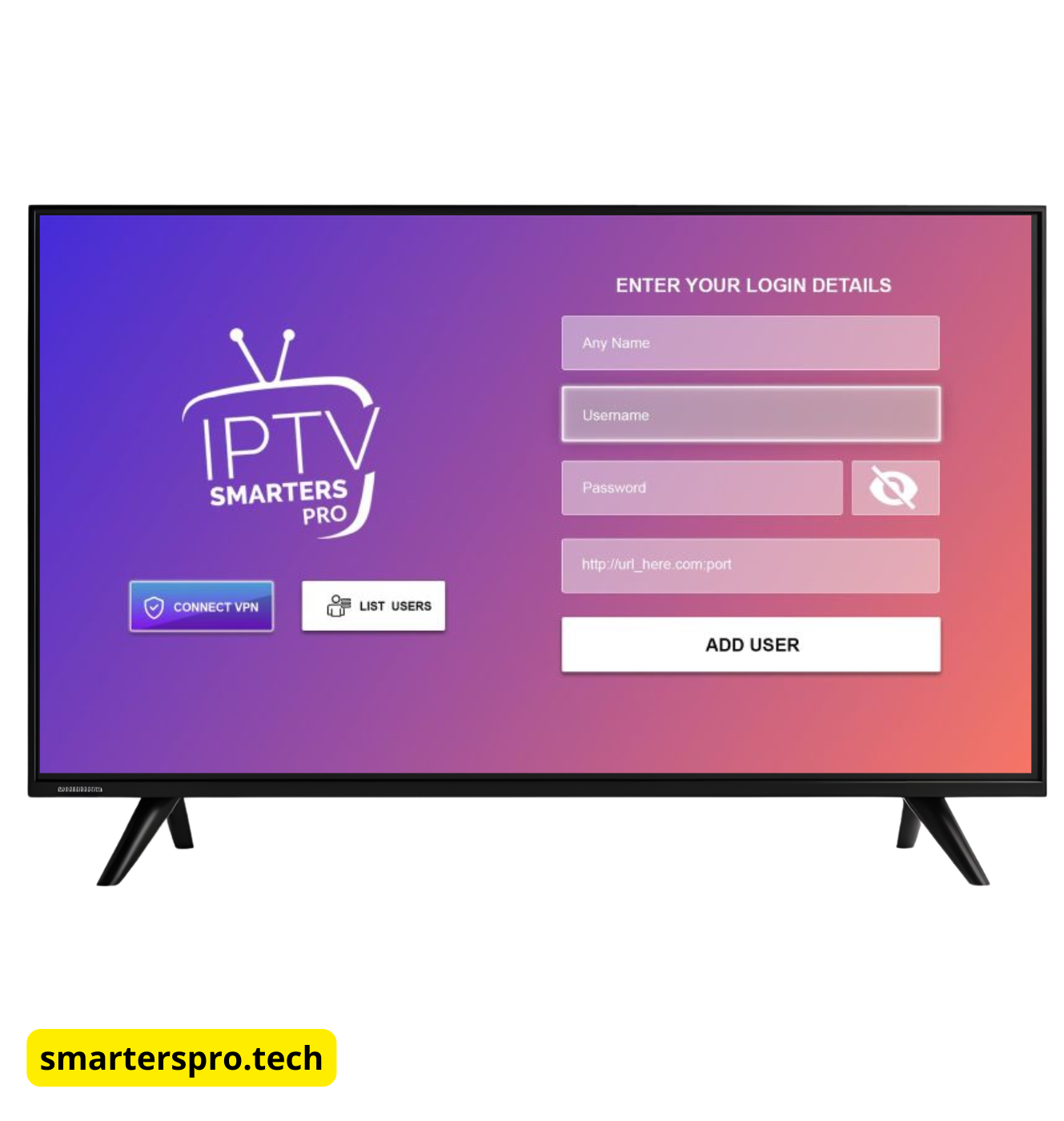
Fill in the required fields:
- Any Name: Create a profile name (example: My IPTV)
- Username: Provided by your IPTV service
- Password: Provided by your IPTV service
- Server URL: Must include
http:// or https://
Important: Make sure there are no extra spaces when pasting your login details.
BEST IPTV PROVIDER
Step 5: Click “Add User”
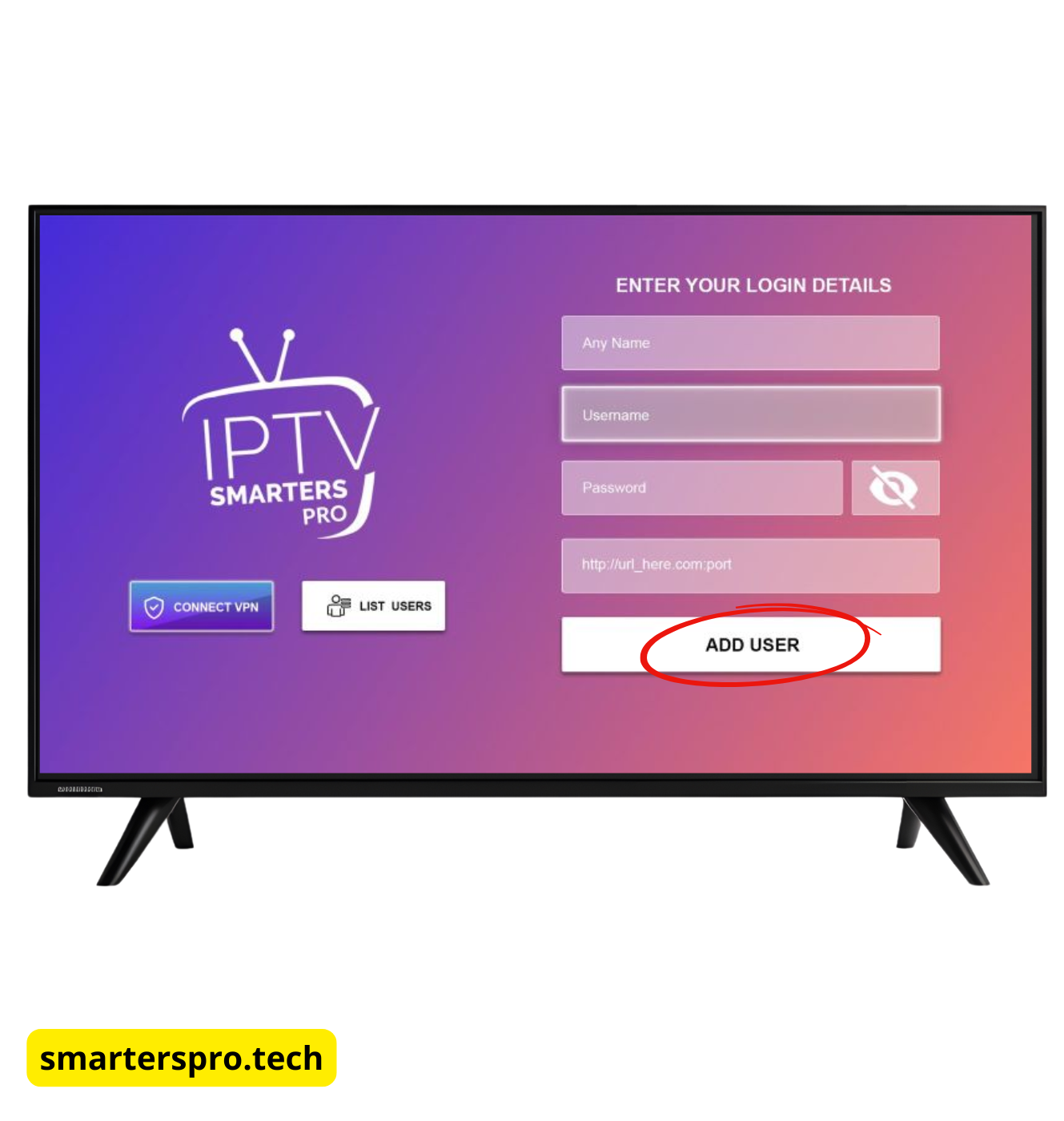
Once all fields are correct, click Add User and wait while the app loads your content.
Step 6: Content Loading
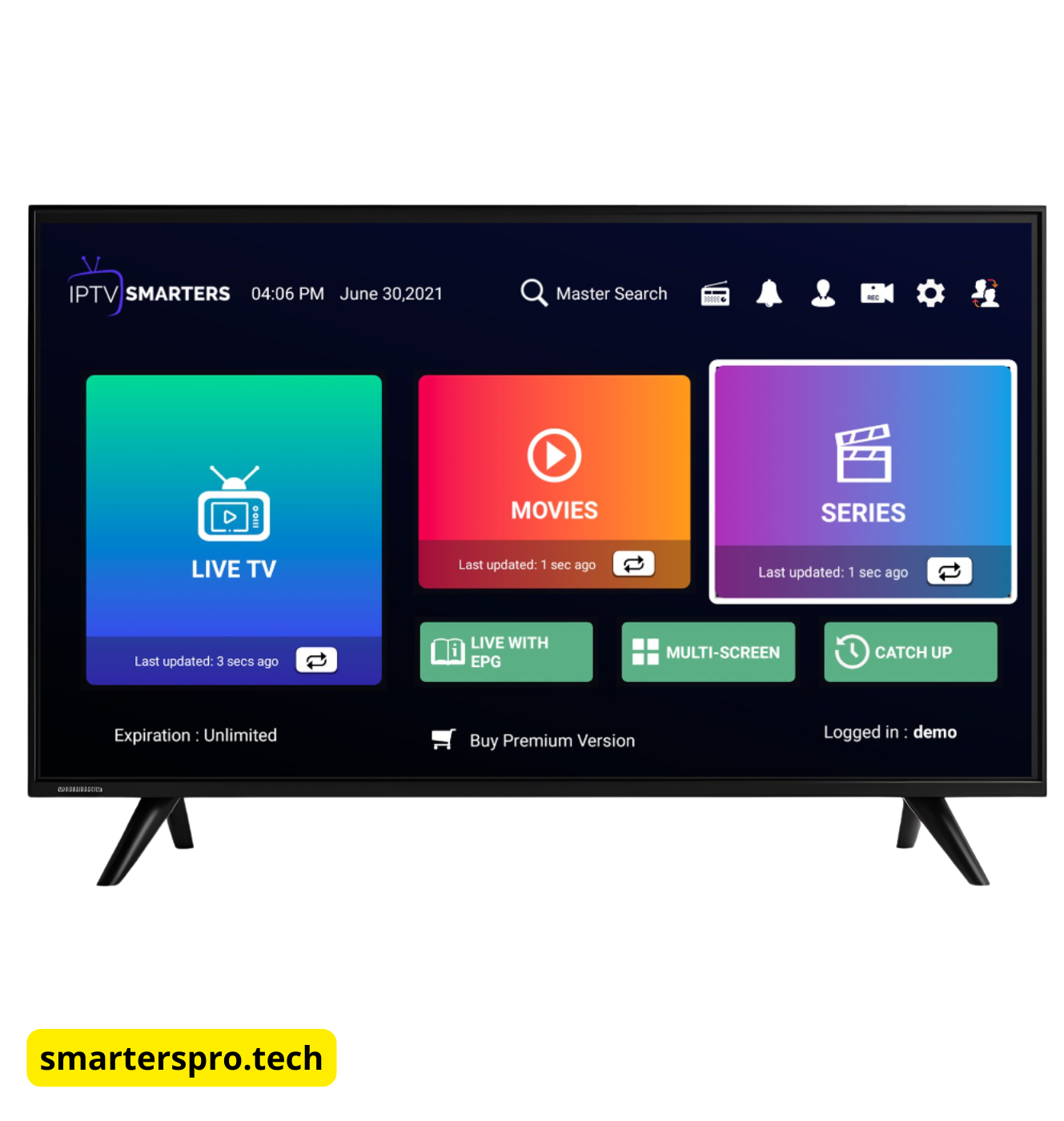
IPTV Smarters Pro will automatically organize:
- Live TV
- Movies (VOD)
- Series
- EPG (if supported)
When loading is complete, you will be taken to the main dashboard.
Common Xtream Codes API Errors & Fixes
Login Failed Error
- Double-check your username and password
- Verify the server URL is correct
- Remove any extra spaces before or after fields
Content Not Loading
- Check your internet connection
- Restart IPTV Smarters Pro
- Contact your IPTV provider to confirm server status
Xtream Codes API vs M3U Playlist (Quick Comparison)
| Feature | Xtream Codes API | M3U Playlist |
|---|
| Easy Setup | ✅ Yes | ❌ No |
| Auto EPG | ✅ Yes | ⚠️ Sometimes |
| Organized Content | ✅ Yes | ❌ Manual |
| Stability | ✅ High | ⚠️ Medium |
👉 Recommendation: Use Xtream Codes API whenever possible for better stability and automatic content organization.
Is Using Xtream Codes API Safe?
Yes. Xtream Codes API is simply a login method used to connect IPTV Smarters Pro with your IPTV service.
The app does not host, stream, or control any content.
Always ensure your IPTV provider complies with the laws and regulations in your country.
Frequently Asked Questions (FAQ)
Does IPTV Smarters Pro include Xtream Codes API?
Yes. Xtream Codes API login is built directly into IPTV Smarters Pro.
Can I use Xtream Codes API on multiple devices?
Yes, but the number of simultaneous connections depends on the rules set by your IPTV provider.
Is Xtream Codes API better than M3U?
For most users, yes. Xtream Codes API is easier to configure, more stable, and automatically manages EPG and content categories.
What if my IPTV provider doesn’t support Xtream Codes?
If Xtream Codes API is not available, you can still use the M3U playlist login method.
Final Thoughts
Setting up IPTV Smarters Pro using Xtream Codes API is the best option for most users.
It is fast, reliable, and keeps live TV, movies, series, and EPG organized automatically.
If you experience issues, they are usually caused by incorrect login details or IPTV server problems — not the IPTV Smarters Pro app itself.